
What it does
- One Zoo ID for all Zoo applications, with an account chooser on each application's first sign-in in a browser session.
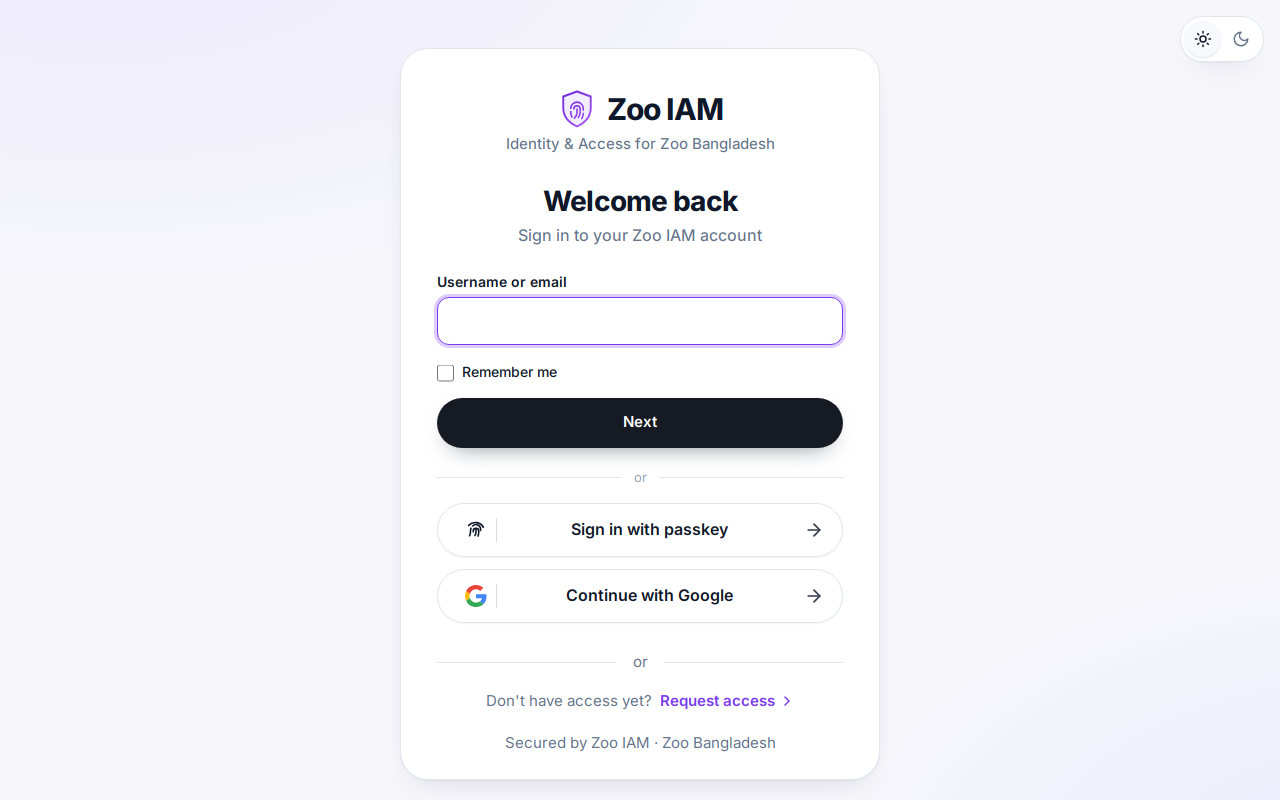
- Sign-in methods: remembered accounts, password, passkeys, one-time email codes and Google sign-in (SMS waits for a provider).
- Zoo Account portal: profile, photo, linked MailZoo mailbox, My Apps cards with live access status, and organizations.
- Request Access: anyone can ask for an application; a reviewer or an organization Admin confirms.
- Identity verification gate backed by Zoo Verify before access to protected applications.
- Organization console: domains, assigned applications, delegated Admins, Members and Guests with non-privileged roles.
Good to know
- Registration is by invitation or verified e-mail domain; there is no open sign-up.
- Privileged roles (any admin role) are only ever assigned manually by a Zoo IAM administrator.
Documentation
For users
- Zoo IAM — user guide Public v1.0.0 · 2026-11-21
Getting started with Zoo IAM: signing in, everyday tasks and tips.
Reference
- Zoo IAM — overview Public v1.0.0 · 2026-11-21
The single sign-on service behind every Zoo application: one Zoo ID, one account chooser, central access decisions.
1 more document for this application open after sign-in. Sign in.